The security in Shipeu is based on users, resources and roles. A user can log into Shipeu through a username and password and a user can access to one route (resource) or another depending on the roles or the resources assigned to this.
1.1 Login
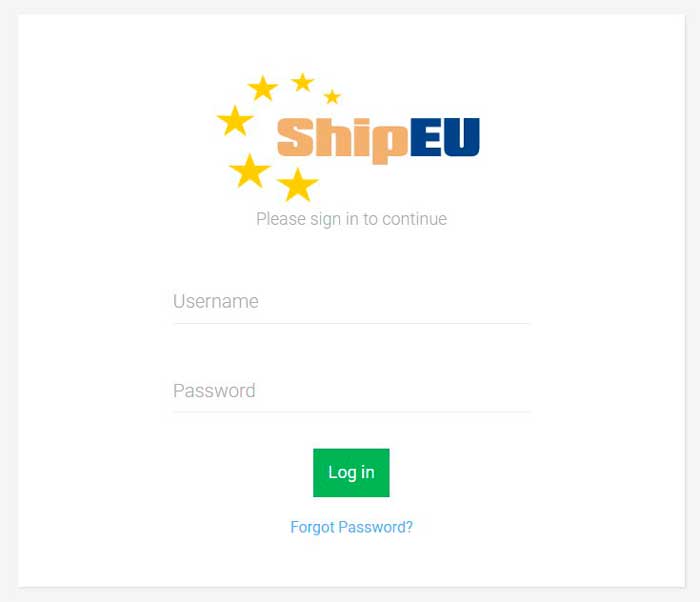
To log in to Shipeu you must go to http://shipeu.com where you will be asked for your username and password. In order to access to the system, the username must be activated.
1.2 Password Recovery
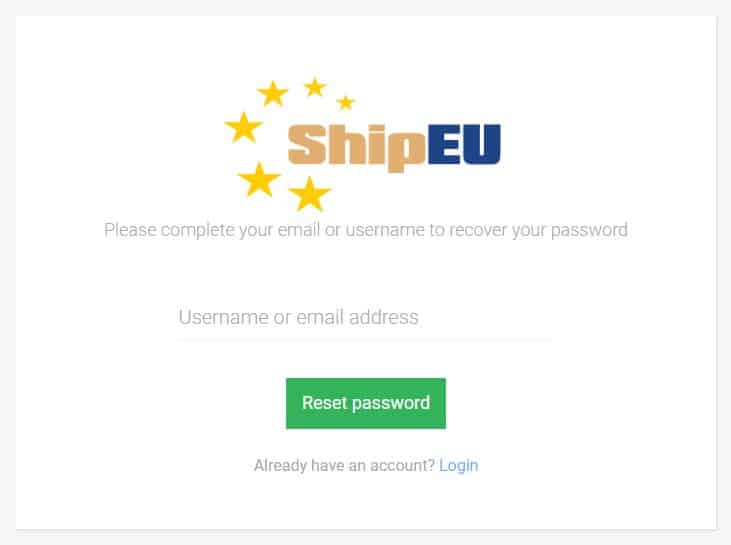
If you forget the password, you can recover it by clicking Forgot Password? There, you must enter your username or email address and then click on Reset password. A link to reset your password will be sent to your email.
Get Started With Shipeu Today
Improve your warehouse efficiency and satisfy your customers with our picking services and our included wms SHIPEU.